 Thread Designer 3.2
Let thread modeling,
more intuitive.
Familiar thread joint modeling
New desktop operation experience.
Directly edit dimensions, check connection and mesh
Pass the model to the next analysis step.
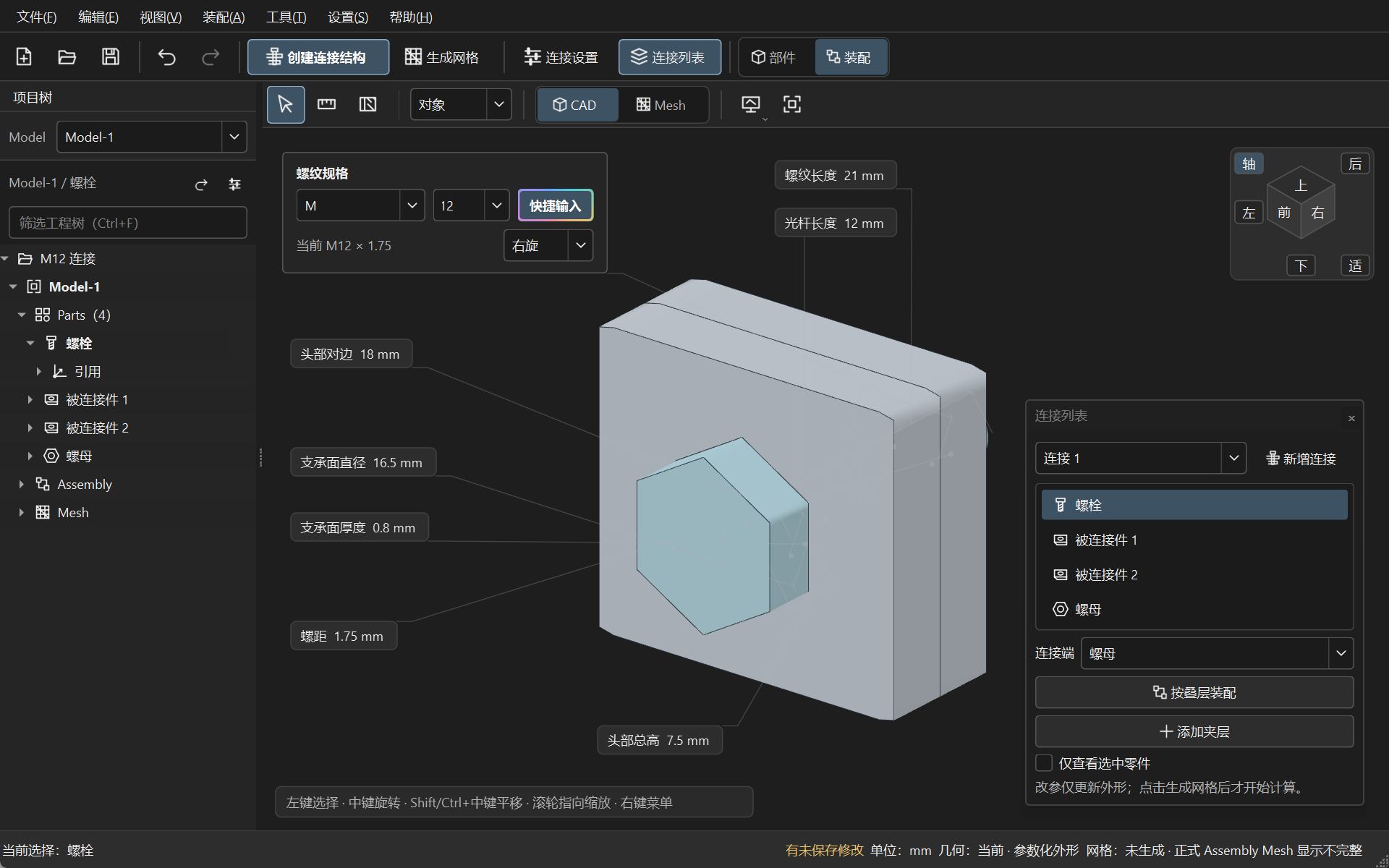
From a single dimension,
to a set of connections.
Operations are centered around the model.
Every step, see what is being changed.
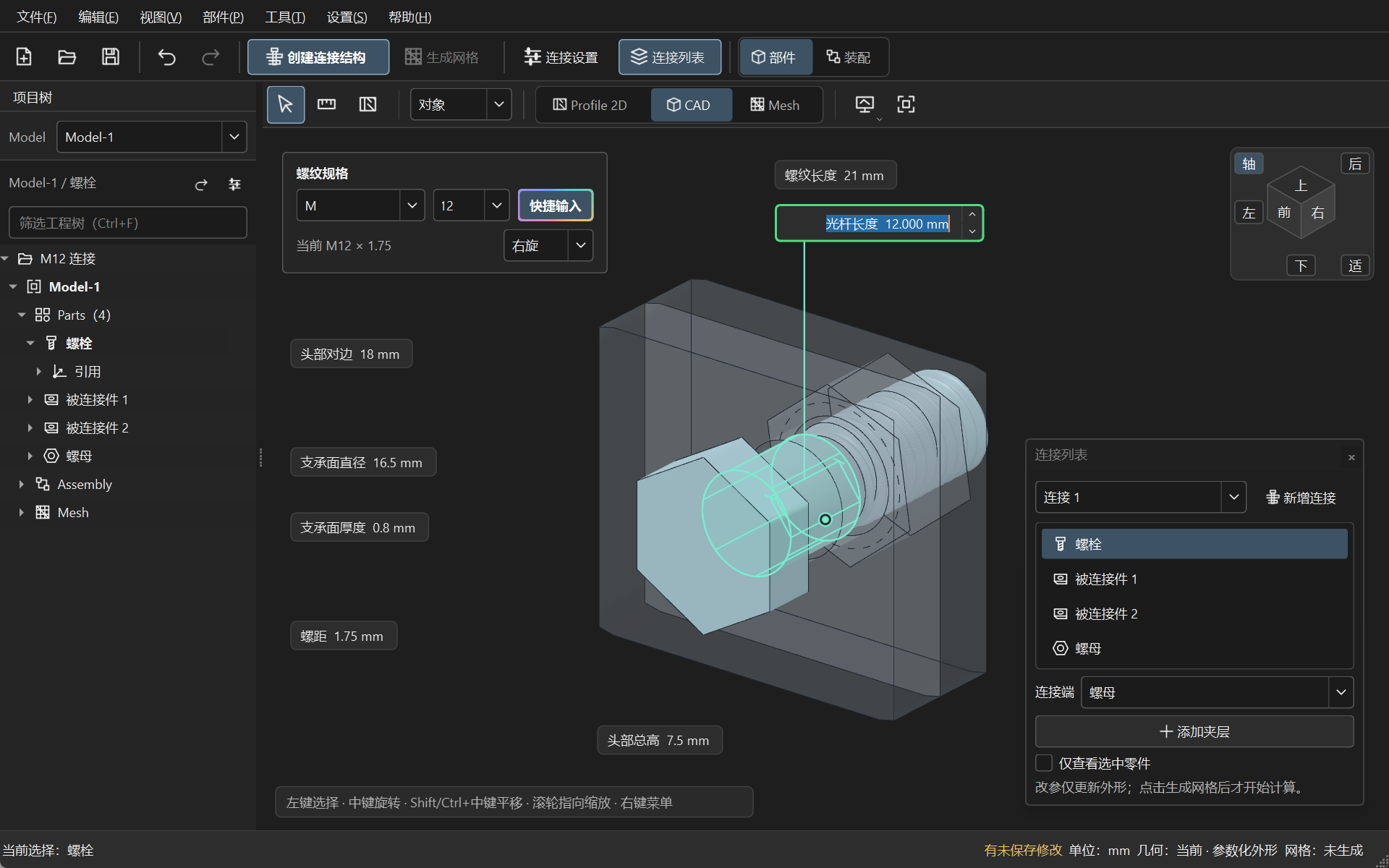
Familiar tasks.
New Operating Method
3.2 Continues the Modeling Direction of the V3 Series,
Put Dimensions, Objects, and Feedback Back into the Same Work View
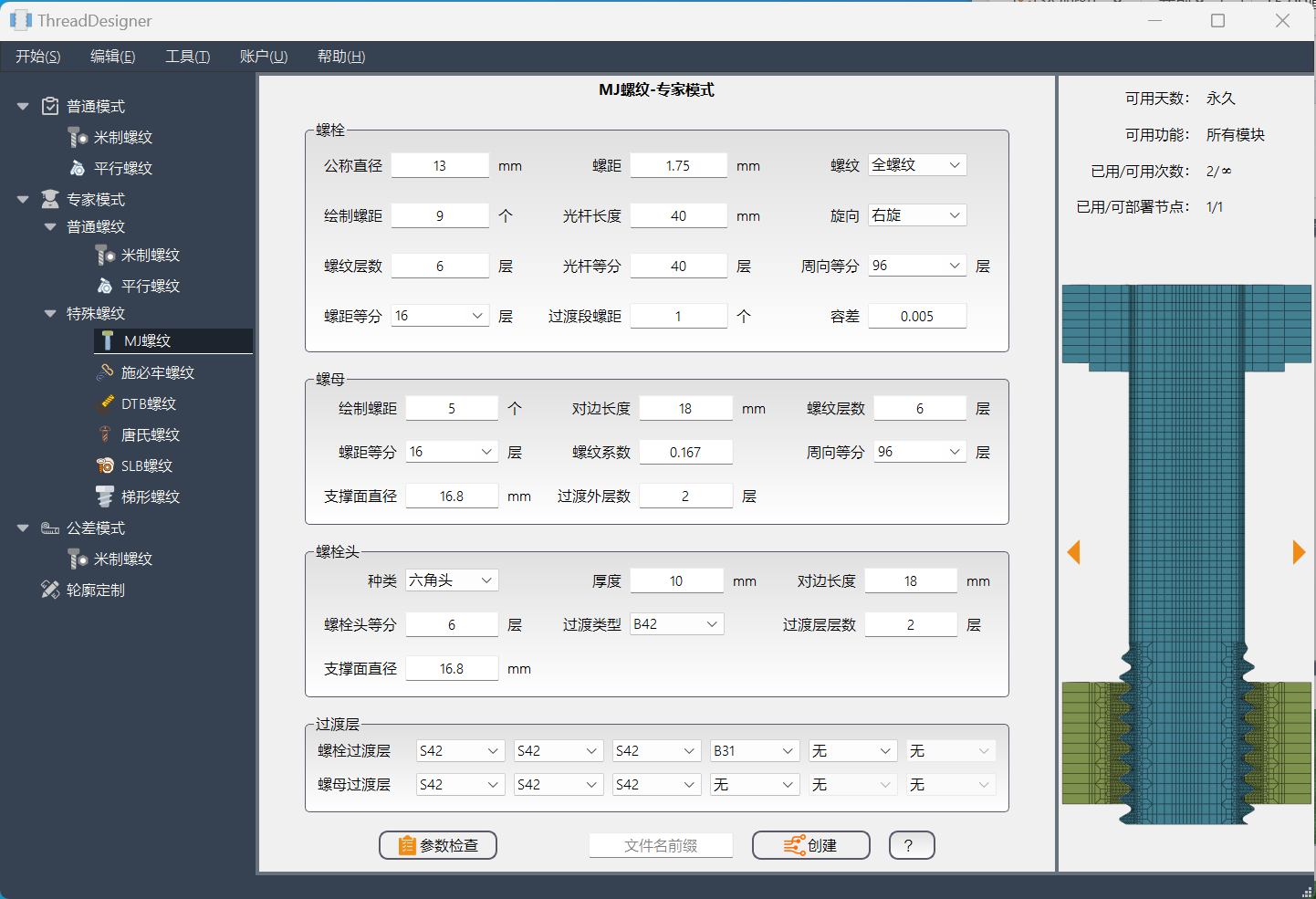
Two generations of software interface; respectively, MJ parameter example and M12 direct editing example.
editing is more intuitiveDimensions and geometry correspond, input and errors are feedback at the operational location.
work is more coherentProject tree, connection list, and model selection work together, with common actions concentrated.
observation is clearerThe shape, mesh, cross-section, and quality shading each represent one side of the model.
your model
Always in the center.
Parts and Assembly, Dark and Light Modes.
Organize Every Detail of Continuous Desktop Modeling
Controlled Details
Based on the Model
Starting from thread profile and representation
Select the level of detail suitable for the current modeling task.
- Connection Type
- Bolted joint / Double-ended screw joint
- Model Representation
- Precise threads / Simplified representation
- editing mode
- Standard control / Expert parameters
- engineering units
- Millimeters / Inches
- model delivery
- Structured mesh / INP output
Understand technical aspects and mesh display.
3.2 uses native Python, Qt / PySide6, and OpenGL for the desktop application. An independent Python Thread Kernel handles modeling. The software colors elements by scaled Jacobian, a mesh quality metric. The browser's 3D view displays previously generated project data. Mesh computation runs outside the browser.
Along familiar directions,
proceed forward
3.2 is an iteration of the V3 series.
TD Forge is the next generation of the complete connection engineering.
Install Thread Designer 3.2
3.2.0 · Build 27 · Windows x64
Download and run the installation package. After opening the software, you can register for 3.2 account on the login page.
3.2 Web is an independent browser product, and is introduced separately from the 3.2 Windows desktop version.